⚡ POPULAR
⚡
How to Type Faster: 2026 Speed Guide
Go from 30 WPM to 80+ WPM with proven finger placement, posture tips, and a free 4-week daily exercise plan.
Read Guide →Prepare for Govt exams, data entry jobs, and freelancing with real-time WPM tracking, exam-simulated modes, and 10+ Indian languages.
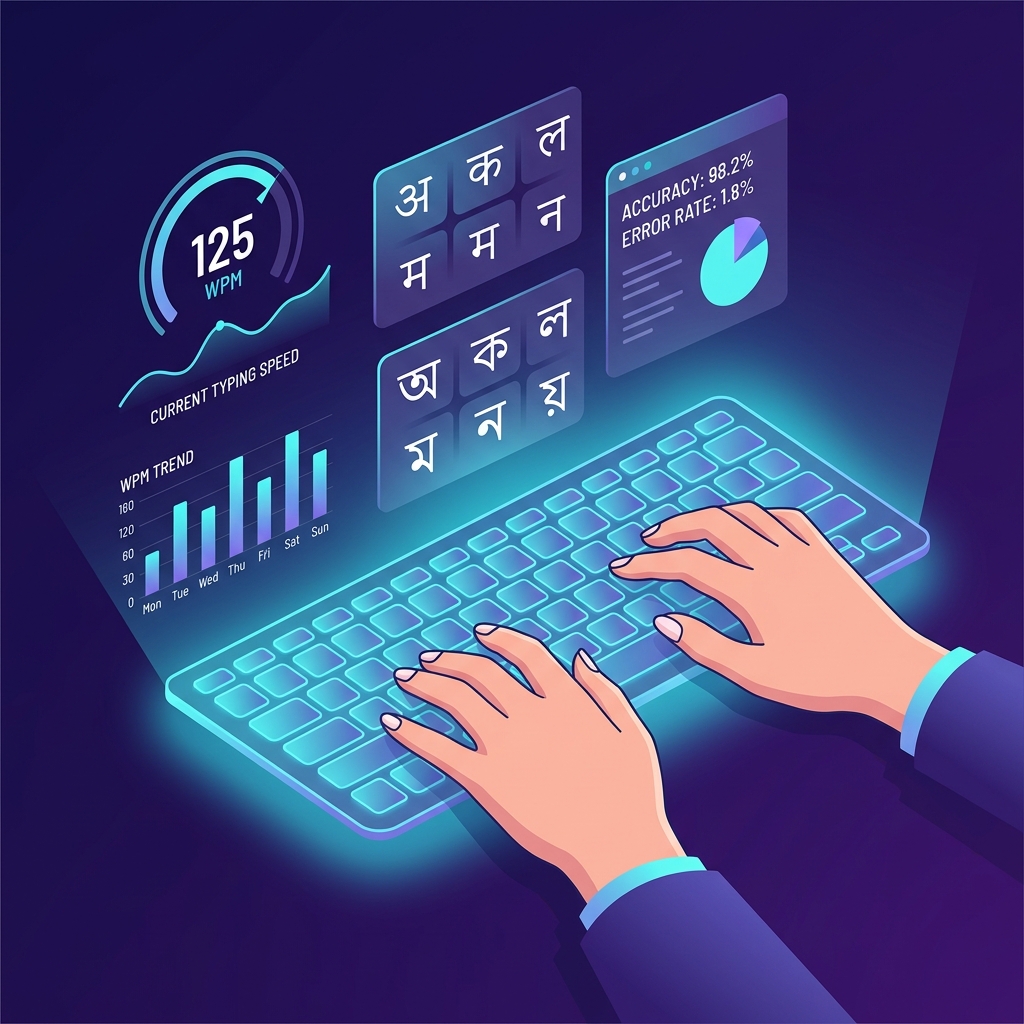
For the best performance and accurate typing speed results, please access this website on a Desktop PC or Laptop .
Mobile typing is in beta. For professional exam practice, we recommend using a physical keyboard on a Desktop.
Build speed and accuracy with standard timed tests before attempting full mock exams.
Run preset tests that simulate popular government typing exams with pass or fail results.
Each preset applies minimum WPM and accuracy rules similar to real exams.

Fresh articles — updated October 2026 · latest speed training & career guides
How to leverage AI and Cloud Computing to land high-paying remote roles this year.
Read More →A structured 30-day plan to increase your typing speed from 20 WPM to 50 WPM.
Read Plan →Turn your typing speed into a professional career in the global finance and accounting sector.
Explore Jobs →The best mechanical keyboards in India to boost your WPM and accuracy for exams.
View List →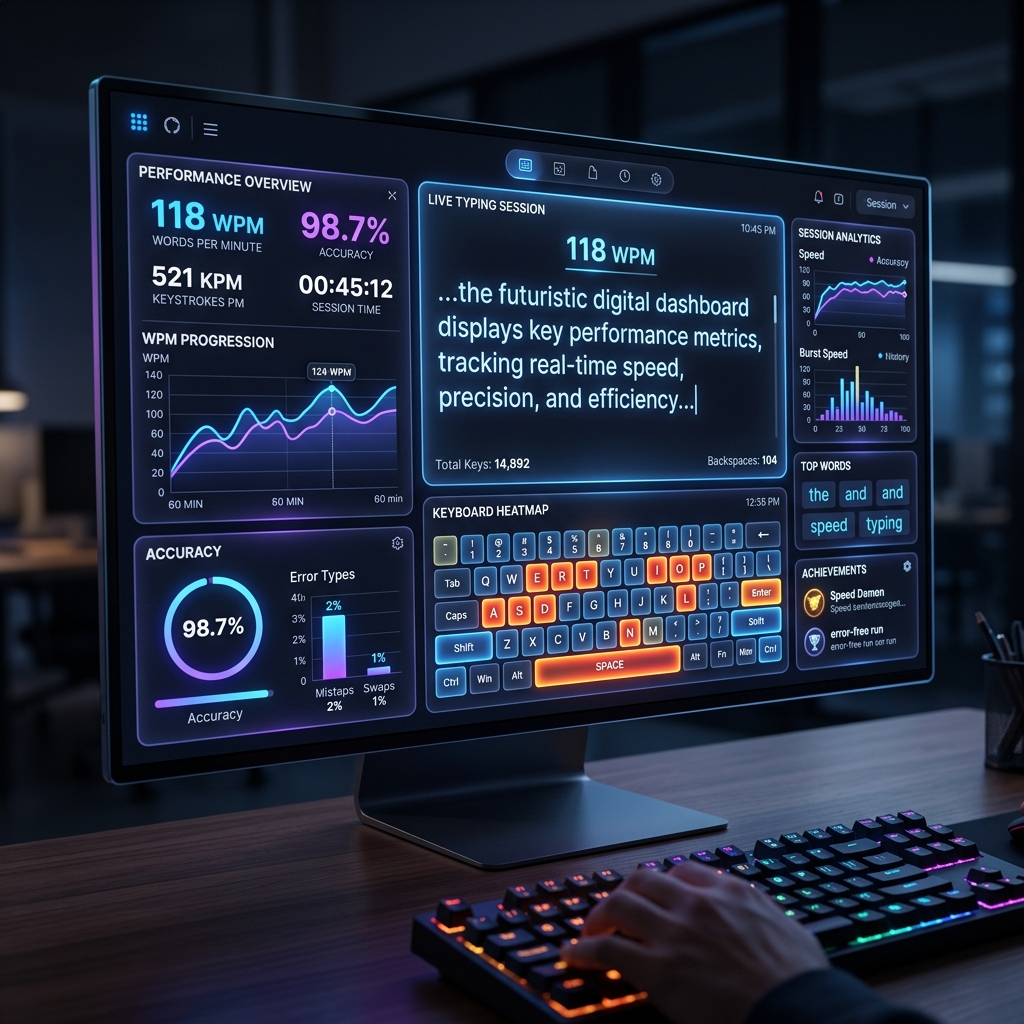
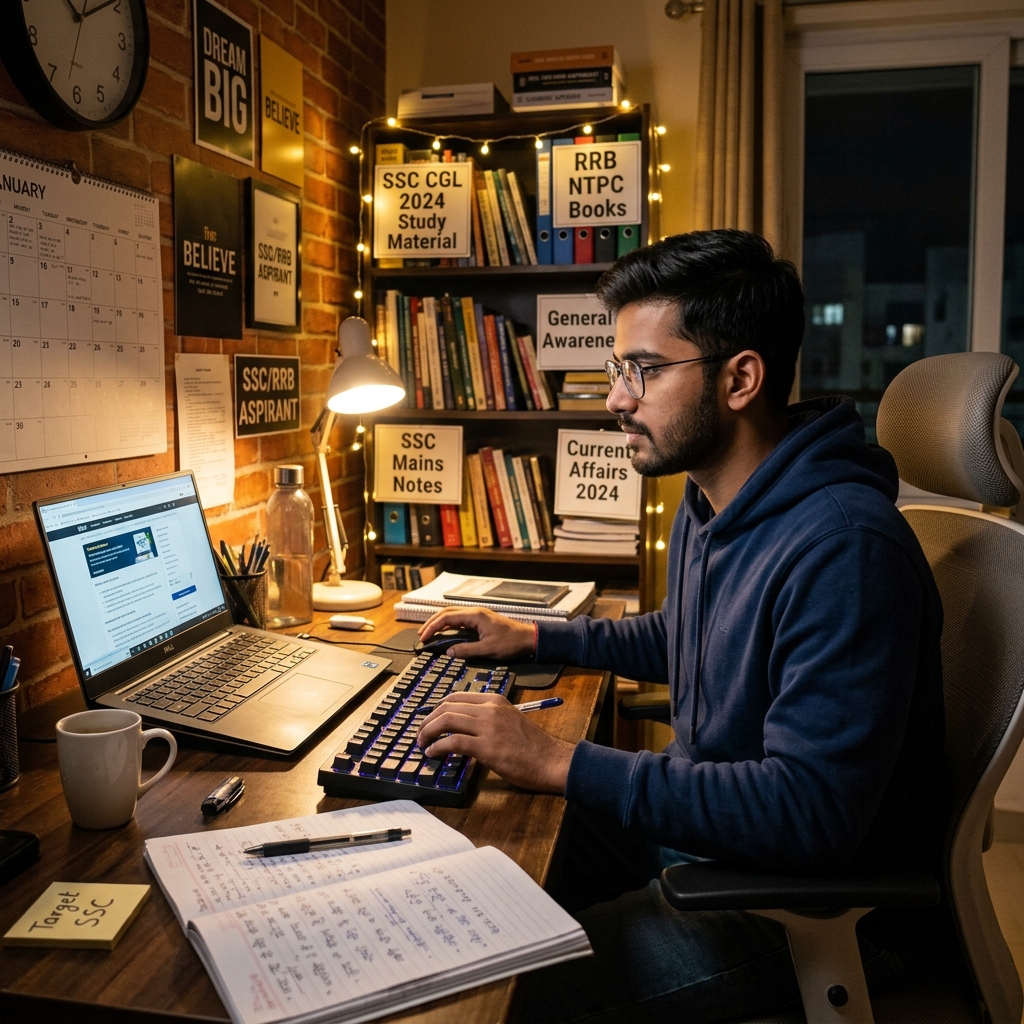
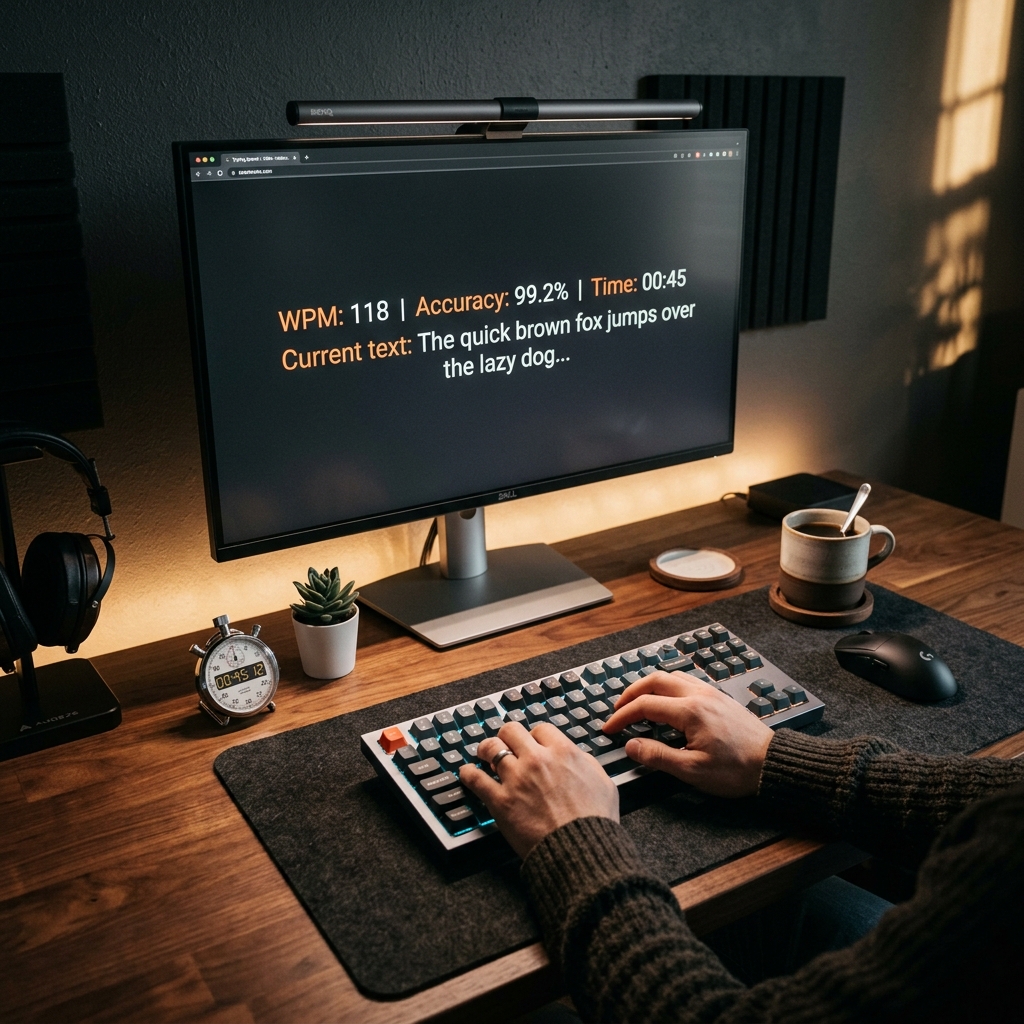
I've spent a lot of time making sure our scoring engine works exactly like the real thing. It tracks Gross words, Net words, and Accuracy % just like SSC, RRB, and IBPS. No surprises on your big day.
Don't just type—practice on the layouts you'll actually use. You can easily switch between Remington Gail, Inscript (Mangal), and Asees fonts to get that real-world feel.
My personal approach to typing is "track everything." These charts show you exactly which keys are slowing you down so you can fix them fast.
Master both Inscript and Remington (Gail) layouts. Essential for SSC and State exams.
Start Practice →Master Preeti and Unicode layouts. Essential for Lok Sewa Aayog and government exams in Nepal.
Start Practice →Practice for MPSC with official keyboard standards. Switch between Mangal and legacy fonts.
Start Practice →Prepare for WBPSC with accurate Juktakshar support and Avro/Bijoy layout compatibility.
Start Practice →Master Inscript and Phonetic layouts for SSC and APSC government exams in Assam.
Start Practice →Tamil99 and Phonetic layouts supported. Perfect for TNPSC Group 4 aspirants.
Start Practice →Practice standard Urdu keyboard layout for content creation and journalism.
Start Practice →Prepare for APPSC and TSPSC exams with official Telugu Inscript support.
Start Practice →Practice KPSC FDA, SDA and KAS exams with Inscript and KGP Kannada keyboard layouts.
Start Practice →Prepare for Kerala PSC LDC, LGS and NHM exams with Inscript Malayalam keyboard support.
Start Practice →In India, government jobs and local paperwork depend on regional languages. Exams like SSC, RRB, IBPS, and State PSCs always have a mandatory typing test. Usually, it's in Hindi, Marathi, or Gujarati.
English uses QWERTY, but Indian languages are different. They use Inscript, Remington Gail, or Phonetic layouts. I built Monkey-Type.in to copy these exam environments perfectly. It's the best way to go from a beginner to a pro.
Challenge yourself with these special modes designed to improve specific aspects of your typing and memory.
I built Monkey-Type.in to help people get better at typing in Indian languages. Most tools out there are too cluttered. Here, you get a clean, distraction-free space that actually helps you learn. Whether you're aiming for an SSC job or just want to type faster at work, I've put together the tools to help you get there.
Touch typing is the ability to type without looking at the keyboard, using muscle memory. Mastering this skill can:
@ punctuation and # numbers with one click to simulate real-world documents and technical exams.
1.
Don't Look Down:
Covering your hands with a piece of paper if you have to. Looking at the keys is the #1 speed killer.
2.
Focus on the Next Word:
As you type one word, your eyes should already be scanning the next. This creates a "buffer" in your
brain.
3.
Consistency Over Intensity:
15 minutes every single day is much better than 2 hours once a week. Your brain needs sleep to "wire" the
muscle memory.
4.
Correct as You Go:
In official exams, uncorrected errors usually carry a heavy penalty. Practice correcting mistakes
immediately with the backspace key to build the right habits.
WPM (Words Per Minute) is calculated by dividing the total number of characters typed correctly by 5 (the average word length) and then dividing by the time taken in minutes.
Net WPM is your typing speed after accounting for errors. It is calculated as: Gross WPM - (Uncorrected Errors / Time in Minutes). This gives a more realistic measure of your productive typing speed.
To type in Hindi, select 'Hindi' from the language dropdown menu in the toolbar. Make sure you have a Hindi keyboard layout enabled on your operating system or use a phonetic typing tool if supported.
Yes, after completing a test, your results are displayed in a modal. You can take a screenshot or manually copy the statistics to share your progress.
Using backspace does not directly lower your WPM score, but it consumes time, which indirectly lowers your overall speed. Correcting errors is generally better for accuracy, but excessive backspacing can slow you down.
Yes! You can login to save your test history and track your progress over time.
Gray letters are untyped, white (or main color) letters are correct, and red letters indicate errors.
Yes! Monkey-Type.in now supports Russian (Cyrillic) typing. Select Russian from the language dropdown to practice with Russian words and paragraphs. Perfect for anyone learning Russian or typing professionally in Russian.
Absolutely. Monkey-Type.in is accessible from anywhere including Russia, Nepal, Bangladesh, UK, USA and all countries. No VPN needed, no sign-up required. We support 12+ languages and are optimised for global users.
For global competitions, 70-90 WPM with 98%+ accuracy is the average. Top competitive typists score 120-150+ WPM. For government exams worldwide, the minimum is usually 25-35 WPM.
Learn the keyboard layout for that language first. Practice the most common 200 words daily using our timed tests. Start with 15-30 seconds and gradually increase to 5-minute sessions. Consistency of 10-15 minutes per day beats occasional long sessions.
For beginners, 30–40 WPM is a solid starting point. Intermediate typists typically reach 50–60 WPM, while professionals and competitive typists aim for 80–100+ WPM. The key focus in early stages should be accuracy (above 95%) rather than raw speed — speed follows naturally from consistent, error-free practice.
While Monkey-Type.in works on mobile browsers, a physical keyboard is strongly recommended for accurate WPM measurement and a realistic exam experience. Touch keyboards change the muscle memory patterns required for touch typing. If you're on mobile, use the desktop version whenever possible.
Daily practice of 15–20 minutes is far more effective than occasional long sessions. Your brain consolidates motor memory during sleep, so short daily practice creates faster, more durable improvements. Even on busy days, a single 5-minute test helps maintain your current speed and accuracy level.
Proven techniques, drills & habits to push your WPM higher — fast.
Speed TipsDiscover why learning touch typing is one of the best career investments.
Touch TypingErgonomics guide to prevent strain & type comfortably for hours.
ErgonomicsSSC, RRB & state-level exam patterns, WPM targets & practice strategy.
Exam PrepQuick speed check
Standard practice
Endurance builder
Professional mode
Practice in Hindi
Web-based practice
Tips & Techniques
Exam preparation
Calculate score
Chanakya ↔ Unicode
Ergonomic Guide
Boost Speed
I started this project because I was having a hard time finding a good typing tool that felt like the real exam. Most websites I found were either too fancy or didn't have the same patterns that we see in Indian government exams like SSC CHSL, RRB NTPC or State Govt jobs .
My goal was to make something simple and fast where you can focus purely on your typing. I wanted a space where you can practice without getting distracted. Whether you are taking the "5-minute monkey typing test" or practicing in Hindi, I made sure that the metrics like Net WPM and accuracy give you an honest idea of how you are doing before the actual exam. I am always trying to make this platform better based on my own practice and your feedback. I hope it helps you walk into your skill test with confidence.
The timer starts as soon as you begin typing. You'll see a progress bar that shows how much time you have left, and your stats update in real time. When the test is over, you can review how you did, including your WPM, Net WPM, CPM, Accuracy and Errors . You can easily copy these results to track your improvement every day.
We think Net WPM is important because it is what matters in the official results. It takes away points for mistakes so you can see how fast you are really typing. We also include CPM to show exactly how many characters you can type per minute.
What Makes a Good Typing Test? A high-quality typing test should use real-world vocabulary rather than random letter strings. Our paragraphs are sourced from common sentence structures used in data entry, government forms, and professional communication — so you're always practicing with meaningful content that improves your reading comprehension and finger memory simultaneously.
Set Your Stats: Use the controls above to choose your language, practice mode, and difficulty level.
Start Typing: You don't need to click a "Start" button—the test starts the moment you hit the first key.
Fixing Mistakes: Use the Backspace key to fix errors. Keeping your accuracy high as you go is the secret to a high Net WPM.
Pro Tip: Don't rush. First, find a comfortable rhythm. Once your accuracy is above 95%, your speed will naturally start to improve. Keep your wrists relaxed and try to sit up straight to avoid getting tired too quickly.
Choosing the Right Test Duration: Match your practice duration to your goal. Use the 1-minute test for a quick daily benchmark. The 3-minute test reveals your real sustained speed, and the 5-minute test simulates actual government exam conditions. Switching between these lengths helps you build both burst speed and endurance.
Whether you are a student, a job seeker, or a remote worker, having a high WPM is a fundamental skill. Use our typing test for job preparation to build your muscle memory and accuracy.
High-speed precision is essential for modern administrative roles. A fast typing speed for data entry jobs allows you to process information quickly and accurately. Many remote BPO and backend operations require a minimum of 40-50 WPM to qualify.
From Upwork to Fiverr, freelancers rely heavily on communication and deliverables. Enhancing your typing skills for freelancing can instantly boost your hourly rate. Whether you do transcription, content writing, or virtual assistance, faster typing equals higher income.
To improve typing speed for career growth, you must practice consistently. Fast typing minimizes syntax errors for developers and ensures you pass the strict speed tests required for SSC, RRB, and state government jobs.
With SSC CGL Tier-1 and RRB NTPC CBT-2 just around the corner, we've added 3 new exam-season guides plus ongoing platform improvements:
We update this platform continuously based on current exam patterns. If you have a feature request or found a bug, use our Contact page. Thank you for making Monkey-Type.in your daily typing practice partner!

Monkey-Type.in
Scan this QR code on your phone to open the typing test instantly — no searching needed.